Used camera checklist for Bangkok - 12 things to check in front of the seller
By SYG Camera Thailand · Published 2026-09-17 · 6 min read
Print it or open it on your phone and go through it point by point when you see the camera.
This checklist works whether you buy from a shop, from an online group or from a private seller in Bangkok. It has three stages: before the meeting, when you see the camera, and before you pay. All 12 points take about 15 minutes and remove most of the risk.
Stage 1 — before the meeting (from home)
- Check the new and used prices of that model — look at least three sources from the same week. You will immediately know whether the price you are seeing is suspiciously low or too high.
- Ask for more real photos — the screen switched on showing a menu, the mount with the lens removed, the card and battery compartments. If the seller only sends pretty pictures from the internet, be careful.
- Ask four questions — what is the shutter count (if known), when and where was it bought, has it ever been repaired or dropped, and what is included (battery, charger, box, cables, lens). Clear, direct answers are a good sign.
- Meet somewhere safe and well lit — a shop with a real storefront, or a public place with people and CCTV, with enough light to inspect a lens. Bring: your own memory card, a torch (your phone is fine), and your own lens or camera if you are buying something that has to work with it.
Stage 2 — when you see the camera
- Look over the whole body under light — the four corners (where a drop leaves marks), the screws on the base for screwdriver marks (a sign it has been opened for repair), battery and card doors closing firmly, grip rubber not loose, USB/HDMI ports not chipped.
- Switch it on with the camera's own battery — it should start normally, the screen should have no lines or dead pixels, the touchscreen should respond, and every button and dial should work. Go through the menus.
- Insert your card and shoot for real — take ten photos alternating near and far focus, listen for an even shutter sound, check the photos are sharp on the screen, and record one short video clip to confirm it records with sound.
- Check the shutter count — from the photos you just took on your own card (Nikon/Sony: read the EXIF; Canon: use the program). The method is in the shutter count guide. Compare it with what the seller said.
- Check the sensor — shoot the sky or a white wall at f/16 and zoom in to look for dark spots and lines. The method is in the sensor and fungus guide (Thai).
- Inspect the lens — if a lens is included, shine a torch through it from behind to look for fungus, haze and scratches, turn the zoom and focus rings to feel for smoothness, and run the autofocus ten times.
Stage 3 — before you pay
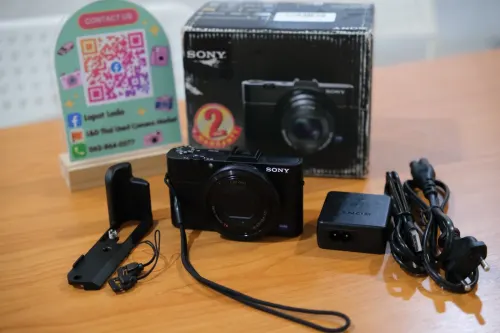
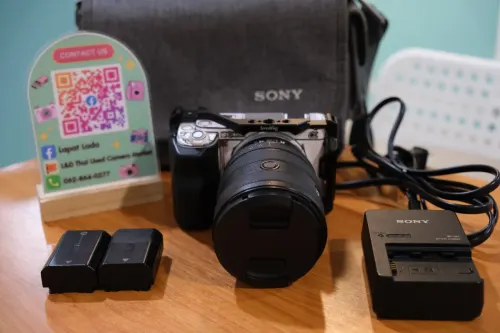
- Count everything that was promised — battery, charger, cables, front and rear lens caps, hood, box, original receipt (if any). One missing item can be worth several hundred to several thousand baht.
- Agree the after-sale terms clearly before you transfer — from a shop, ask what checking period or responsibility they offer, and ask for a receipt or proof of purchase that states the model and serial number. From a private seller, understand that there is usually no responsibility after payment, so finish every check before you pay. More in warranty, receipts and what to ask (Thai).
Signs to walk away immediately
- The seller will not let you insert your own card or take test shots
- They ask for a deposit before you see the item, with no storefront or verifiable identity
- The price is far below every other source with no reason
- The serial number on the body has been scratched or removed
- The story changes between the chat and the meeting
Use this checklist at our shop
Every point above can be done on the items in our Charoen Krung shop, and we like it when you do, because a customer who checks everything before buying is a customer who does not come back to complain. Every item on the website is physically in the shop; come and try it any day 11:00–19:00.
Questions about a camera? Message us - we answer every day 11:00–19:00
Chat on LINE See used cameras in the shop