How to check a used camera's shutter count (Canon, Sony, Nikon, Fujifilm)
By SYG Camera Thailand · Published 2026-09-17 · 5 min read
The one number that tells you how hard a camera has worked, and how to read it from a single photo.
What a shutter count is
The shutter count (also called shutter actuations) is the number of times the camera's shutter curtain has opened and closed since it left the factory. In plain words, it is how many photos that camera has taken. It is the closest thing a camera has to a car's mileage, because the shutter is a mechanical part that wears, and each manufacturer states a design life for it (for example 100,000 / 200,000 / 400,000 actuations, depending on the model).
The number tells you two things. First, how hard the camera has worked. Second, whether the seller's story matches reality: a camera described as "hardly used" with 80,000 actuations deserves some questions.
How many is a lot?
There is no fixed line, because it depends on the model and its design life, but this rule of thumb works in general:
- Under 10,000 — very little use, usually a hobbyist's camera or a backup body.
- 10,000–50,000 — normal use by a serious photographer, with plenty of life left.
- 50,000–150,000 — has done real work, often a professional's camera; the price should reflect it.
- More than that — you need to know the design life of that model and budget for a shutter replacement.
Important: a low shutter count does not always mean a camera in good condition. A camera that has been dropped or got wet may have taken only a thousand photos. Always read the number together with the outside condition and how the camera actually works.
How to check — brand by brand
Nikon
The easiest. Nikon cameras, both DSLR and Z-series, store the shutter count in every image file. Take one photo as JPEG and read its EXIF data with an EXIF reader on your phone or on the web: you will see a "Shutter Count" field directly. It takes less than a minute and you can do it in front of the seller.
Sony
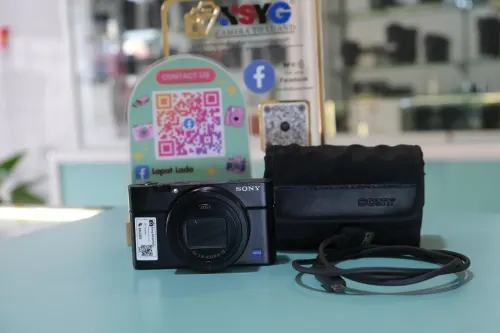
Sony does not show it in the menu, but a JPEG from the camera stores the number in the MakerNotes part of the EXIF. An EXIF reader that supports Sony shows it as "Shutter Count" or "Image Count". Take a fresh photo with your own card and upload it to check. Some newer Sony models only record it when shooting JPEG, not RAW.
Canon
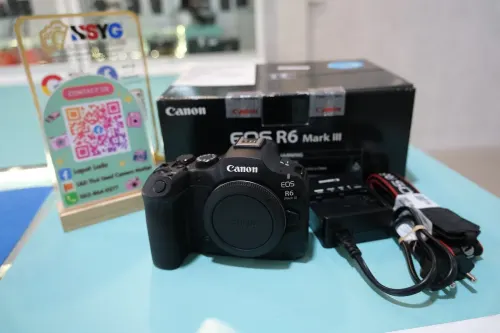
Canon does not put the number in the EXIF on most models. You connect the camera to a computer by USB and use a program that reads the value from the camera directly (free and paid ones exist; search for "EOS shutter count"). Some EOS R models have started storing the number in the image file, so try reading the EXIF first and use the program only if it is not there. Or ask us whether the item you are interested in already has the number recorded.
Fujifilm
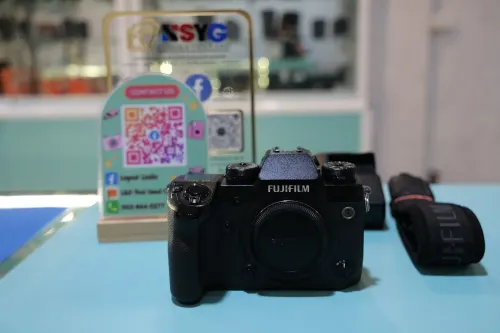
Fujifilm does not expose this number directly in the image file and it is not in the menu. What you can do is look at the file number (such as DSCF3456), which gives an approximate photo count if the seller never reset the numbering, and judge the wear on the dials and grip rubber alongside it.
Panasonic, OM System and others
Many models have a hidden service menu that shows usage data. The way in differs by model; search for the model name together with "shutter count" and you will find the steps.
Things to watch out for when checking
- Take a fresh photo in front of the seller — never use a photo the seller sent you, because it may come from a different camera. Insert your own card, shoot it yourself, read it yourself.
- The electronic shutter does not count — many mirrorless cameras can shoot with the electronic shutter, which does not raise the number, and the same goes for cameras used heavily for video. A low number therefore does not always mean light use.
- The number cannot normally be reset — except when the shutter or the main board was replaced at a service centre. If the seller says it was replaced, ask to see the service receipt.
How we do it at the shop
Where we know the number, it is written on the product page (many items already have it). Where it is not written, we have not checked it yet or that model cannot be checked; ask us. And when you come to the shop, you can always check it yourself, in front of us, with your own card.
Questions about a camera? Message us - we answer every day 11:00–19:00
Chat on LINE See used cameras in the shop